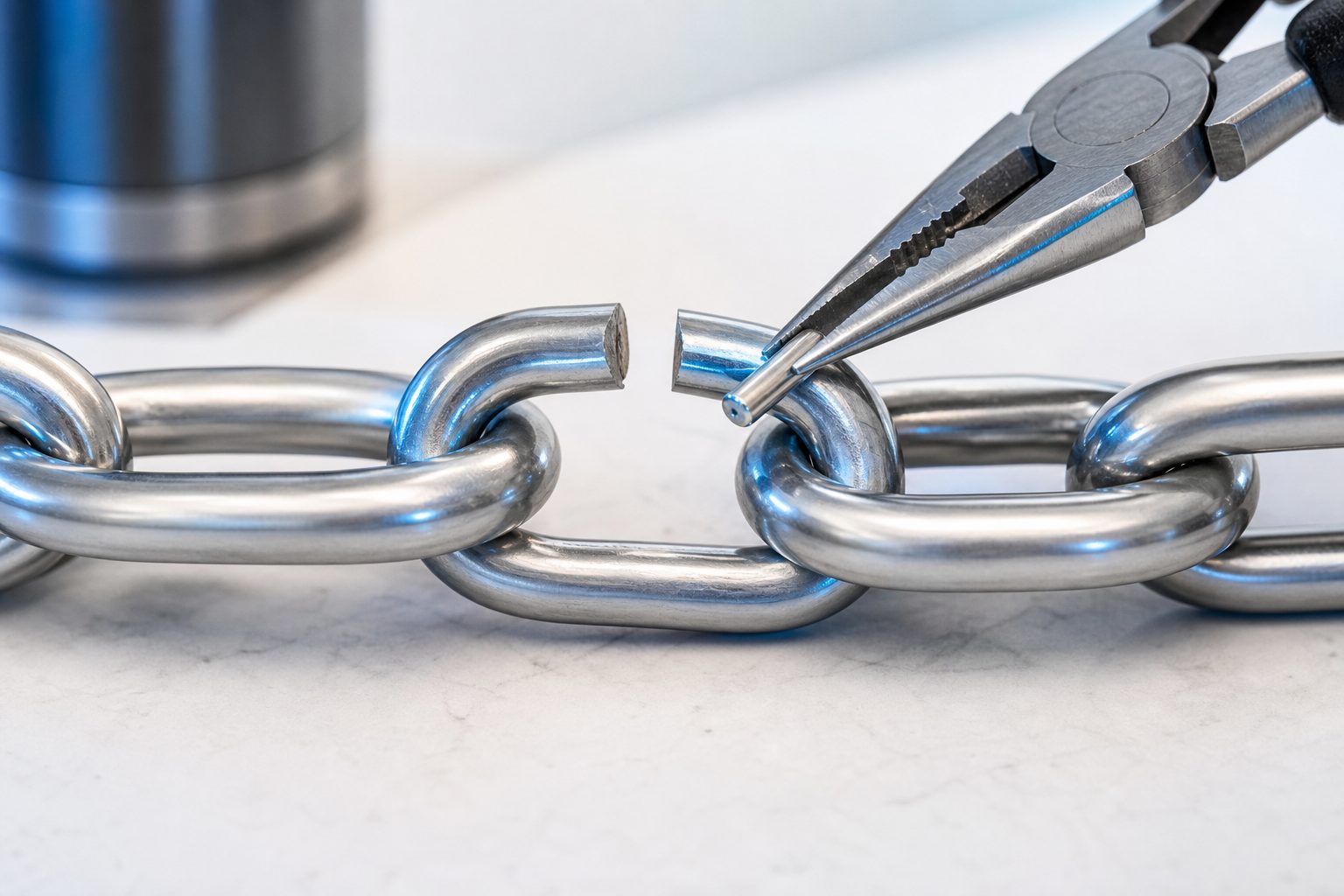
Learning how to fix broken link issues is one of the simplest ways to improve your website’s user experience, search performance, and overall trust. A broken link sends visitors to an error page instead of the content they expected, which can make your site feel outdated or poorly maintained. Search engines also use links to discover pages, understand site structure, and evaluate quality, so too many broken links can create crawl problems and weaken important pages. The good news is that most broken links are easy to find and repair once you know what to look for. In this guide, you will learn what broken links are, why they matter, how to identify them, how to fix them properly, which mistakes to avoid, and how to build a simple maintenance routine that keeps your website clean and reliable.
What A Broken Link Means
A broken link is any hyperlink that no longer leads users to the intended page, file, or resource. It may point to a deleted page, a moved page, a mistyped address, an unavailable file, or a page that blocks access.
1. Internal Broken Links
Internal broken links point from one page on your website to another page on the same website, but the destination no longer works. These links often break after page deletions, slug changes, redesigns, or content migrations. Fixing them helps users move smoothly through your site.
2. External Broken Links
External broken links point from your website to another website that has removed, moved, or changed the destination page. These are common in older blog posts, resource pages, citations, and product comparisons. They should be reviewed regularly because you cannot control other websites.
3. Broken Image Links
Broken image links happen when an image file is missing, renamed, deleted, or stored in the wrong location. Visitors may see an empty image area or missing image icon. This can make a page look unfinished and reduce trust, especially on product or tutorial pages.
4. Broken Download Links
Download links break when files such as PDFs, guides, templates, or documents are moved or removed. This is especially frustrating because users often click these links with clear intent. A broken download link can cost leads, support requests, or conversions.
5. Redirected Broken Links
Some links appear to work but pass through outdated redirect chains before reaching the final page. If one redirect in the chain fails, the link breaks. Even when it still works, too many redirects can slow the experience and waste crawl resources.
6. Soft Broken Links
A soft broken link may load a page, but the content is not useful or correct. For example, it may lead to a generic homepage, a search page, or an unrelated replacement page. These links should be treated carefully because users do not reach what they expected.
Why Fixing Broken Links Matters
Broken links are not just small technical errors. They affect how people experience your website, how search engines crawl it, and how trustworthy your content appears.
- Better User Experience: Visitors can move from page to page without frustration or dead ends.
- Improved SEO Health: Search engines can crawl your pages more efficiently and understand your site structure better.
- Higher Trust: A clean site signals that your content is maintained and reliable.
- Stronger Conversions: Working links help users reach forms, products, downloads, and contact pages.
- Protected Link Equity: Correct redirects and updated internal links help preserve ranking signals.
- Lower Bounce Risk: Users are less likely to leave when every click leads somewhere useful.
How To Find Broken Links
Before you can repair broken links, you need a repeatable way to discover them. A good audit combines automated tools with manual review, especially for important pages.
1. Crawl Your Website
Use a website crawler or SEO audit tool to scan your pages and report links that return errors. Crawlers are useful because they check many pages quickly and reveal internal links, external links, redirects, and missing resources that would be hard to find manually.
2. Check Search Console Reports
Search performance tools can show pages that search engines tried to crawl but could not access. These reports are helpful because they reveal broken pages from the search engine’s point of view, including old addresses that may still have backlinks or impressions.
3. Review Important Pages Manually
Manual review is still valuable for high-traffic pages, sales pages, landing pages, and resource hubs. Click key navigation items, buttons, downloads, and calls to action. Automated tools may find technical errors, but manual testing shows whether the link actually meets user intent.
4. Inspect Analytics Data
Analytics can reveal error pages that receive visits, unusual exit patterns, or pages where users stop moving through the site. If a page suddenly loses engagement after a redesign or migration, broken links may be one reason worth investigating.
5. Review Recent Site Changes
Broken links often appear after changing page slugs, deleting old posts, replacing products, moving files, or updating navigation. Keep a list of recent changes and test related links. This helps you catch issues before users or search engines encounter them.
6. Ask Users And Support Teams
Customer service teams, sales teams, and readers often notice broken links before the website owner does. If users mention missing downloads, unavailable pages, or buttons that do nothing, treat those reports as valuable quality signals and investigate them quickly.
Step By Step Broken Link Repair Process
A structured process helps you fix broken links without creating new problems. Use these steps when auditing a small blog, business website, ecommerce store, or large content library.
- Collect All Broken Link Data: Run a crawl and export the broken link report so you can see the source page, destination, status code, and link type.
- Prioritize Important Pages: Start with links on high-traffic pages, revenue pages, navigation menus, cornerstone content, and pages with backlinks.
- Confirm The Problem: Open the affected page and test the link manually to make sure the issue still exists.
- Choose The Best Fix: Decide whether to update the link, restore the missing page, remove the link, or create a redirect.
- Update The Source Page: Edit the page where the broken link appears and replace it with the most relevant working destination.
- Add Redirects When Needed: If an old page has value or outside links, redirect it to the closest matching live page.
- Retest The Page: Click the repaired link and run another crawl to confirm the fix works.
- Record The Change: Keep notes on major fixes, especially redirects, deleted pages, and changed URLs.
Best Practices For Fixing Broken Links
Knowing how to fix broken link problems is useful, but doing it well requires judgment. The goal is not only to remove errors but also to protect meaning, relevance, and user flow.
1. Match The Original Intent
When replacing a broken link, choose a destination that matches what the user expected. If the original link promised a pricing page, do not send users to a generic homepage. Relevance matters because a technically working link can still create a poor experience.
2. Use Redirects Carefully
Redirects are helpful when content has moved, but they should point to the closest relevant replacement. Avoid redirecting every missing page to the homepage. That approach may confuse users and can weaken the value of links that once pointed to specific content.
3. Update Internal Links Directly
If you control the source page and destination page, update the internal link rather than relying only on redirects. Direct internal links are cleaner, faster, and easier for search engines to follow. Redirects should support transitions, not replace good internal maintenance.
4. Remove Links With No Good Replacement
Sometimes the best fix is removing the link entirely. If a source no longer exists and there is no suitable replacement, keeping a weak or unrelated link adds no value. Rewrite the sentence if needed so the paragraph still reads naturally without the link.
5. Check Navigation And Footer Links
Broken links in menus, sidebars, footers, and templates can appear across many pages at once. These sitewide links deserve special attention because one error can affect thousands of pages and create repeated frustration for users and crawlers.
6. Schedule Regular Link Audits
Broken links are normal on active websites, especially when content changes often. Create a monthly, quarterly, or post-migration audit schedule based on your site size. A consistent routine prevents small issues from becoming large technical SEO problems.
Common Broken Link Mistakes To Avoid
Many broken link fixes seem simple at first, but rushed decisions can create confusing redirects, irrelevant pages, and recurring errors. Avoid these common mistakes when cleaning up your website.
1. Redirecting Everything To The Homepage
Sending every broken page to the homepage may hide errors, but it rarely helps users. People clicked because they wanted specific information. A better fix is redirecting to the closest matching page or updating the link to a resource that clearly answers the same need.
2. Ignoring External Links
Website owners often focus only on internal links because they control them directly. However, external links shape content quality too. If an article references outdated tools, deleted reports, or unavailable resources, readers may question the accuracy of the entire page.
3. Forgetting Old Campaign Pages
Landing pages, seasonal pages, and campaign pages often get removed after a promotion ends. If those pages attracted traffic or backlinks, deleting them without redirects can create broken paths. Review old campaigns before removing anything from the site.
4. Fixing Links Without Retesting
Updating a link is not enough if you do not test the final result. Typos, caching, redirect rules, and permission settings can still cause errors. Always click repaired links and rerun a crawl so you know the issue is actually resolved.
5. Replacing Links With Weak Sources
When an external source disappears, it is tempting to replace it quickly with the first similar page you find. Take time to choose a reliable, relevant, and current resource. Poor replacement links can reduce content quality even if they remove the technical error.
6. Not Documenting Redirects
Redirects can become messy when nobody tracks why they were created. Over time, teams may delete important rules or build long redirect chains. A simple redirect log helps future editors understand what changed and why the rule still matters.
Examples Of Broken Link Fixes
Examples make the repair process easier to apply. These common situations show how different broken links need different solutions based on the page, purpose, and user expectation.
1. Deleted Blog Post
If an old blog post was removed but other pages still link to it, first decide whether the topic still matters. If it does, restore or rewrite the post. If not, redirect the old address to a closely related guide that satisfies the same search intent.
2. Renamed Product Page
When a product page gets a new name or slug, update all internal links that point to the old version. Add a redirect from the old address to the new one, especially if customers, emails, ads, or search results may still use the previous page.
3. Missing PDF Download
If a guide or brochure download is missing, replace the file or update the page with a current version. If the file is retired, remove the download prompt and explain the information directly on the page so users are not led to a dead end.
4. Outdated External Citation
If a report, article, or study you referenced is no longer available, search for an updated version from the same organization or a similarly trusted source. Make sure the new source supports the same point before changing the surrounding text.
5. Broken Navigation Link
A broken menu link should be treated as urgent because it affects many visitors. Update the navigation destination in your site settings or template, then test it across desktop and mobile views. Navigation errors can damage trust faster than isolated content errors.
6. Changed Category Page
Category pages often change during site restructuring. If old categories are merged, create redirects to the most relevant new category and update internal links from posts, breadcrumbs, and filters. This keeps browsing paths clear and preserves topical organization.
Practical Broken Link Use Cases
Broken link repair is useful in many real-world situations. Whether you manage a blog, store, business website, or resource library, the same principles help protect users and search visibility.
1. Blog Content Maintenance
Blogs naturally collect broken links over time because older posts mention tools, studies, videos, and pages that may disappear. Regular link checks keep evergreen content useful and make older articles feel current without requiring a full rewrite every time.
2. Ecommerce Product Updates
Online stores often remove discontinued products or change product categories. Broken product links can frustrate shoppers and reduce sales. Redirecting discontinued items to related products or updated category pages helps users continue shopping instead of landing on an error page.
3. Website Redesign Projects
Redesigns often change page structures, menus, templates, and file locations. A broken link audit before and after launch helps catch migration issues quickly. This is especially important for pages that already rank well or support key business goals.
4. Local Business Websites
Local websites may link to booking pages, service pages, menus, forms, maps, or seasonal offers. If those links fail, customers may call support or choose a competitor. Fixing broken links supports trust and helps visitors complete simple tasks quickly.
5. Educational Resource Pages
Schools, training sites, and knowledge bases often depend on resource links. Broken links can interrupt learning and make materials feel unreliable. Reviewing links before courses, launches, or academic terms helps students and readers access the right information.
6. Lead Generation Pages
Lead generation pages rely on working forms, downloads, thank-you pages, and booking links. A single broken call to action can reduce conversions. Testing these links regularly is important because they connect content performance directly to business results.
Advanced Broken Link Tips
Once you know the basics, advanced habits can help you prevent bigger issues, protect SEO value, and manage larger websites with less manual work.
1. Prioritize By Business Value
Not every broken link has the same impact. Fix links on pages that drive revenue, leads, search traffic, or customer support first. This approach helps you use time wisely and prevents low-value cleanup from delaying repairs that affect real outcomes.
2. Monitor Backlinked Pages
Pages with external backlinks deserve special care because they may pass authority and referral traffic. If one becomes unavailable, create a relevant redirect instead of letting it return an error. This protects both user access and the value earned from past mentions.
3. Reduce Redirect Chains
A redirect chain happens when one old page redirects to another old page before reaching the final destination. Chains slow users down and make crawling less efficient. Update rules and internal links so they point as directly as possible to the final page.
4. Create A Deletion Policy
Before deleting a page, decide whether it should be updated, merged, redirected, archived, or removed completely. A deletion policy prevents accidental broken links and gives content teams a consistent process for handling outdated pages without damaging site structure.
5. Audit After Major Updates
Run a link check after platform updates, theme changes, plugin changes, migrations, and large content edits. Technical changes can alter paths, permissions, templates, or file references. A quick audit after each major update catches problems while the change is still fresh.
6. Combine Link Fixes With Content Refreshes
When you repair broken links in an old article, review the surrounding content too. Dates, examples, screenshots, product names, and claims may also need updates. This turns a technical fix into a broader content quality improvement.
Broken Link Maintenance Checklist
A simple checklist helps you review broken links consistently. Use it during routine SEO maintenance, after publishing large content batches, or before launching a redesigned website.
- Check Internal Links: Confirm that menus, buttons, breadcrumbs, related posts, and contextual links point to live relevant pages.
- Check External Links: Review older resources, citations, references, and partner links for errors or outdated destinations.
- Review Redirects: Make sure redirects point to close replacements and do not create long chains.
- Test Downloads: Open documents, guides, templates, and media files to confirm they load correctly.
- Prioritize Key Pages: Start with pages that bring traffic, leads, sales, backlinks, or support value.
- Rerun The Audit: Scan the site again after fixes so you can confirm the errors are gone.
Future Trends In Broken Link Management
Broken link management is becoming more automated, but human judgment still matters. Future tools may find more issues faster, while editors will still need to choose the most useful replacement for readers.
1. Smarter Automated Audits
Modern audit tools are becoming better at identifying not only error codes but also weak destinations, redirect chains, and content mismatches. This helps site owners move beyond basic repair and focus on whether each link still serves a clear purpose.
2. More Content Decay Monitoring
Broken links are part of a larger content decay problem. Future workflows will likely combine link checks with freshness signals, declining traffic, outdated facts, and obsolete examples. This makes maintenance more strategic than simply removing technical errors.
3. Better Migration Planning
As websites grow more complex, migrations will require stronger planning around redirects, old page mapping, and crawl testing. Teams that prepare link maps before moving content will avoid many broken links that usually appear after redesigns or platform changes.
4. Increased Focus On User Intent
Search quality is not only about whether a page loads. It is also about whether the page satisfies the visitor’s need. Broken link management will continue shifting toward intent, meaning the best fix is the most helpful destination, not merely any working page.
5. Stronger Team Workflows
Content, SEO, development, and support teams all affect links. Better workflows will include shared logs, publishing checklists, and clear ownership. This reduces repeat errors and makes broken link repair part of normal website operations.
6. Continuous Quality Reviews
Instead of waiting for large annual audits, many websites will use smaller recurring checks. Continuous review helps catch broken links soon after they appear, which protects user trust and keeps SEO maintenance manageable over time.
Frequently Asked Questions
1. What Is The Fastest Way To Fix A Broken Link?
The fastest fix is to update the broken link on the source page so it points to a working and relevant destination. If the missing page had traffic or backlinks, also add a redirect from the old address to the closest matching live page.
2. Do Broken Links Hurt SEO?
A few broken links usually will not destroy rankings, but many broken links can create crawl issues, weaken user experience, and make a site look poorly maintained. Broken internal links are especially important because they affect how search engines discover and interpret your pages.
3. Should I Remove Or Redirect A Broken Link?
Redirect when the old destination has a strong relevant replacement, especially if it has backlinks or traffic. Remove the link when there is no useful alternative. Do not redirect users to unrelated pages just to avoid showing an error.
4. How Often Should I Check For Broken Links?
Small websites can usually check broken links every quarter, while larger sites or active blogs may need monthly audits. You should also run a check after redesigns, migrations, bulk content updates, product changes, or any major technical change.
5. Are External Broken Links My Responsibility?
Yes, because they appear in your content and affect your readers. Even though you do not control other websites, you control whether your page sends people to useful resources. Review external links regularly and replace outdated destinations when needed.
6. What Is The Best Fix For Deleted Pages?
The best fix depends on whether the deleted page still has value. Restore it if users need the content, redirect it if there is a close replacement, or remove links to it if the topic is no longer useful and no relevant destination exists.
Conclusion
Knowing how to fix broken link issues helps you maintain a cleaner, more trustworthy, and more search-friendly website. The process starts with finding errors, confirming the cause, choosing the right fix, updating the source page, and retesting everything carefully.
The best broken link strategy is ongoing maintenance, not a one-time cleanup. When you review links regularly, match replacements to user intent, document redirects, and protect important pages, your website becomes easier to use and stronger for long-term SEO performance.